
.png)



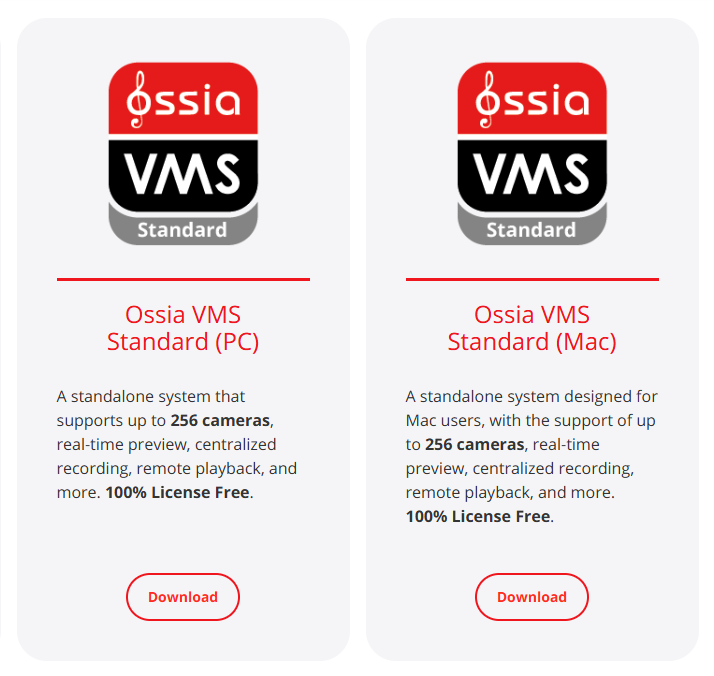
- Use the following link to download the software: https://provision-isr.com/download-tools-2/
- Click on the download button for either Ossia VMS Standard (PC) or Ossia VMS Standard (Mac) depending on the computer you are using.
- Go to Files > Downloads to find the zipped file (Called Latest VMS Version)
- Click on the file once, then right click and extract the file. You can then click on the launch file (Ossia VMS Standard x64)
- Follow the Wizard to add Ossia to your computer.
.png)


